
Never lose anything
in storage again.
Photograph your items. AI catalogs them so you can search and find them later.
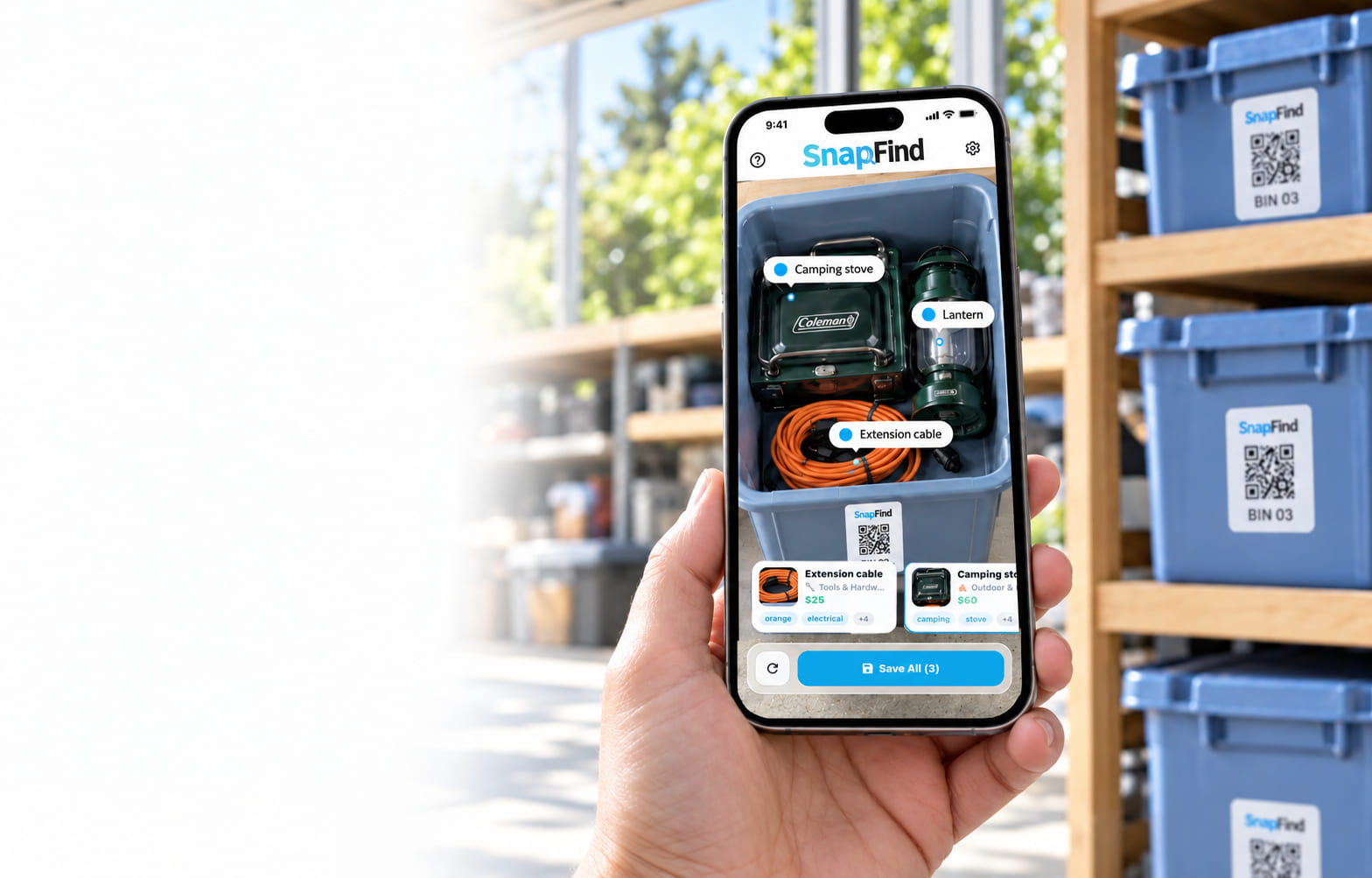
Found in 0.3 seconds
30 days of SnapFind Pro
+ 48 free waterproof QR labels
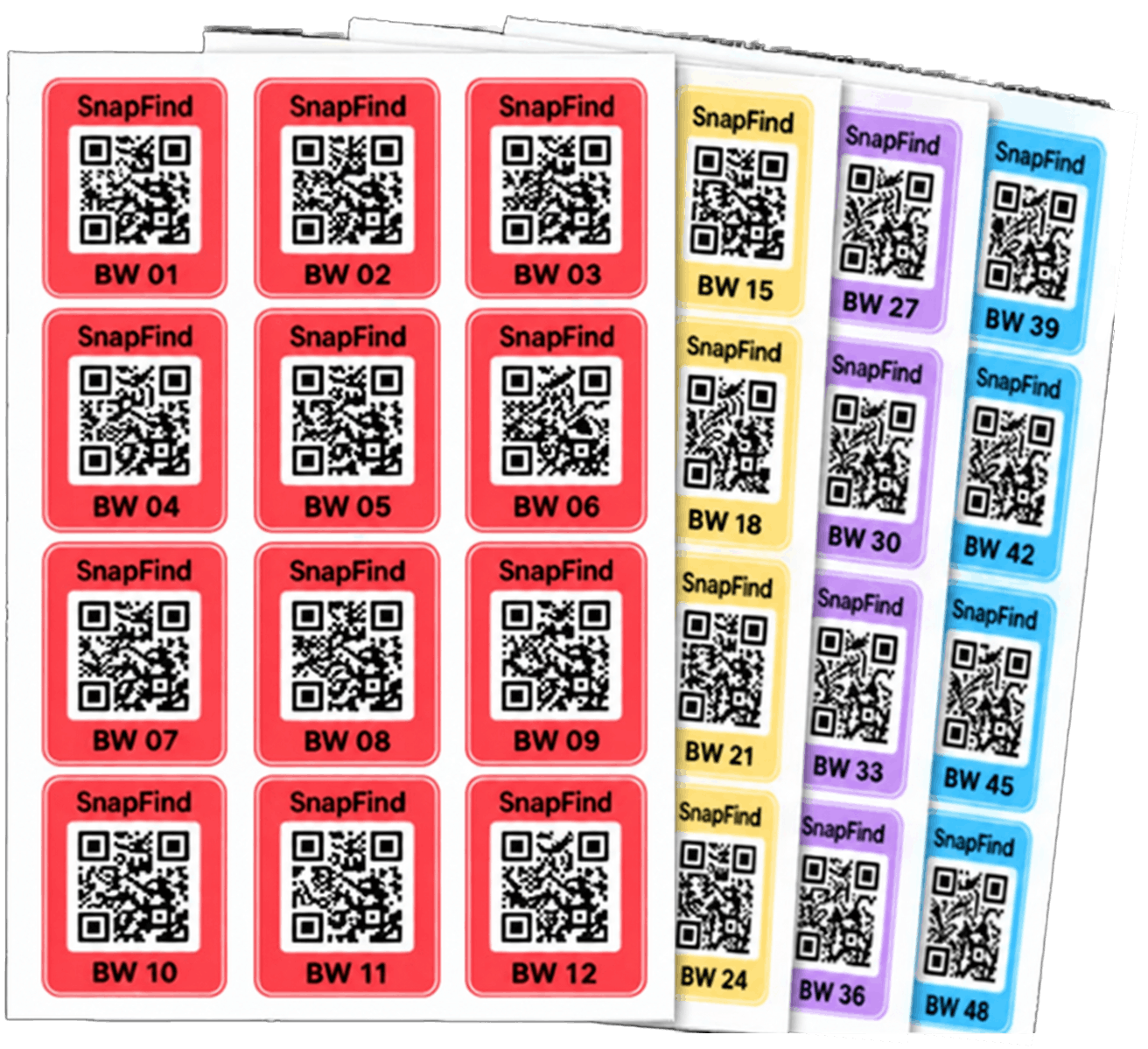
Delivered to your doorJust $7.99 shipping.
$59.99/year after trial. Cancel anytime.
22,000+
Households
668,000+
Items tracked
4.8/5
App Store
App rating
It only takes a few minutes
Get organized in 3 simple steps
Most inventory apps feel like data-entry jobs. SnapFind is built for real life: quick moves, busy schedules, messy garages.
- 1
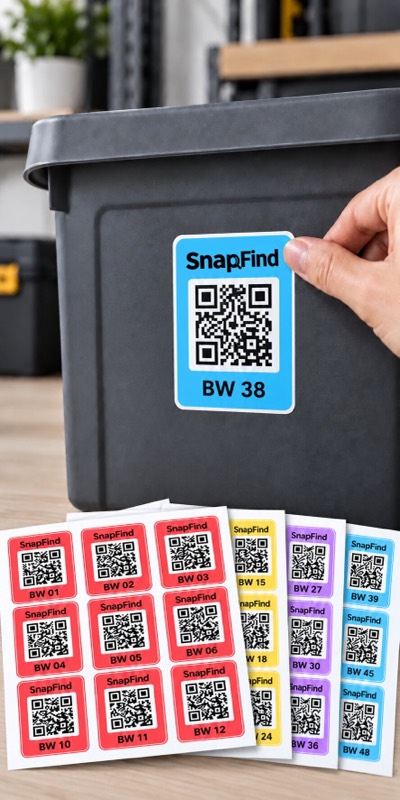
Stick
Place QR labels on your bins, totes, or boxes.
- 2
Scan
Take a photo of what’s inside. Our AI names your items automatically.
- 3
Find
Search by item, room, or bin anytime — no more digging around.
- Ships in 1 business day · arrives in 2–3 days
- Waterproof & durable labels
- Perfect for home, garage, moving & more
- Join 22,000+ organized households
- 4.8/5 average rating on the App Store
See it in action
Your camera does the data entry
Point it at an open bin, take one photo, and every item inside is named, tagged and remembered — no typing, no lists. Twenty-seven seconds, start to finish.
01
No manual labeling
Stop typing lists you'll never finish. The camera does the work.
02
Instant updates
Take a new photo. Inventory refreshes. Bins re-name themselves.
03
Start simple
Done beats perfect. Start with one bin. You'll feel the difference fast.
Everything it does
37 features. The 6 you'll use daily.
23 of them come with the free plan. Anything marked Pro or Teams needs that plan.
Rapid mode
Keep shooting — every frame uploads and analyzes in the background while you move down the shelf, so a whole closet costs minutes, not an evening.
Everything it does
37 features. The 6 you'll use daily.
23 of them come with the free plan. Anything marked Pro or Teams needs that plan.
And 31 more
- AI item recognition
- Voice & typed entry
- Custom fields
- Container recognition
- Spaces, zones & containers
- Drop Zone & Smart SortPro
- Moving modePro
- AI listings for Marketplace and eBayPro
- Photo search
- Scan to ReturnPro
- Item reminders & expiry dates
- Insurance Report PDFTeams
- Web DashboardTeams
- Public container pages
- CSV import
- 12 languages
The problem
The "where is it?" tax
You pay it every time you rebuy something you already own — because you can't find it.
Forgotten locations
Memory isn't storage. You packed it months ago. Blue bin? Clear bin? Basement? Attic?
Time wasted
Dragging down boxes to find one cable is the worst kind of chore.
Useless labels
"Misc" is basically the same as "good luck." Handwritten labels fail.
Trusted daily
Real people, real results
SnapFind feels like a personal archivist. We digitized 18 bins in one weekend — now I type what I need and it tells me exactly which bin and which shelf. My husband was skeptical, but after he found his fishing tackle in under 10 seconds he was sold.
Kelsey D.
Seattle homeowner
I run an online resale shop from my garage. SnapFind cut my order fulfillment time in half.
Sarah M.
Etsy seller
The QR bins are genius. My partner and I now share a single truth for everything we own.
Allison & Troy
Tiny loft, big dreams
Free labels + free trial
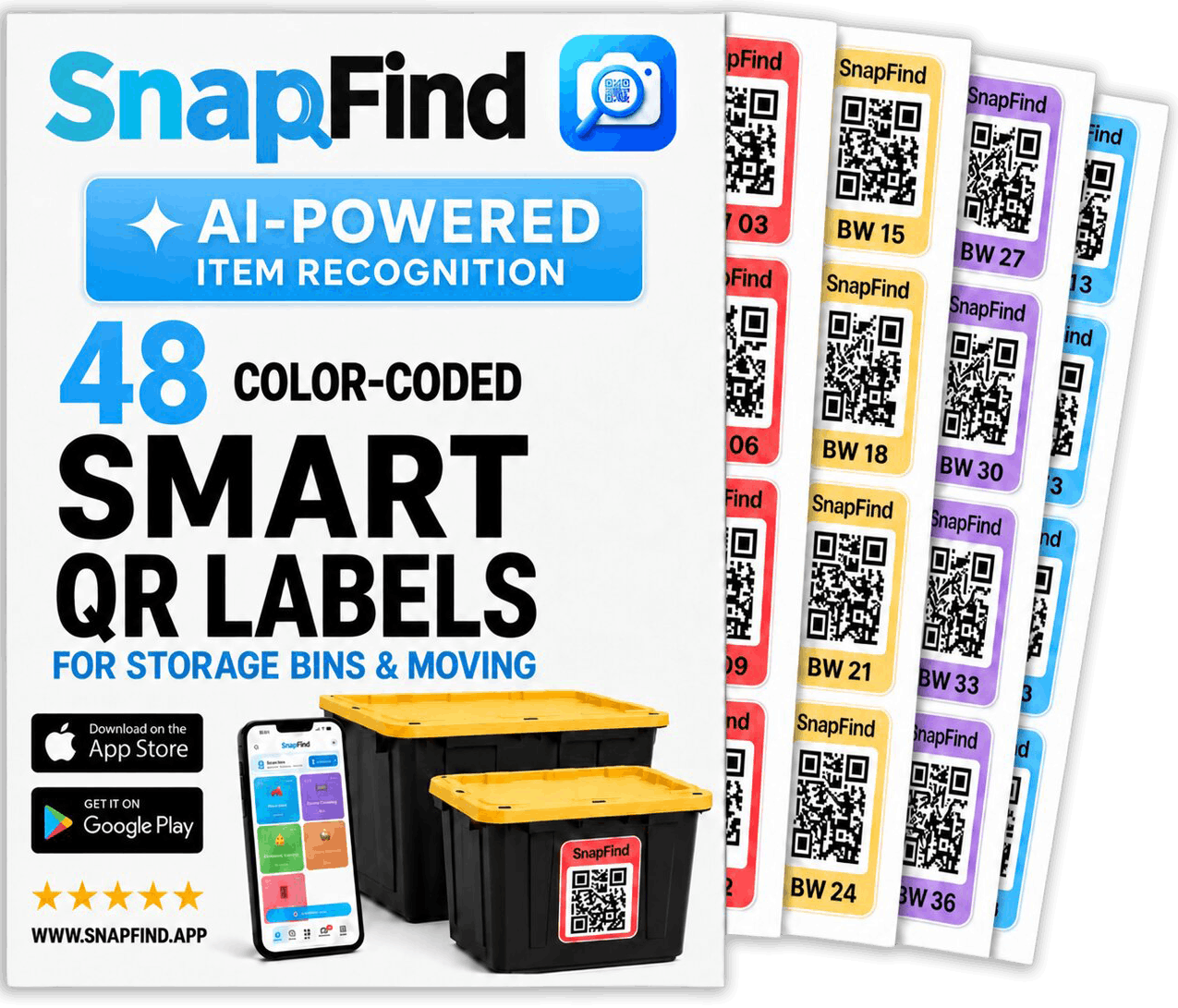
48 labels, free with your Pro trial
Try SnapFind Pro free for 30 days and a pack of 48 weatherproof QR labels ships to you the next business day — you only cover shipping. Stick one on every bin, scan it once, and see everything inside without lifting the lid.
Just want labels?Shop the pack →Buy on Amazon ↗
New · SnapFind Teams
Give Claude/ChatGPT access to your physical world.
Let Claude or ChatGPT see everything you own, then ask for what search can't give you. Read-only.
I'm at Home Depot. Do I already own a 10mm socket set?
Yes, twice. Garage › Tool chest › Drawer 2.
Insurance schedule for the garage, everything over $100, as a table.
23 items, $4,860. Six have no photo yet.
Who's had gear out for more than 30 days?
Marcus, 47 days. Here is a friendly reminder you can send.
SnapFind Business
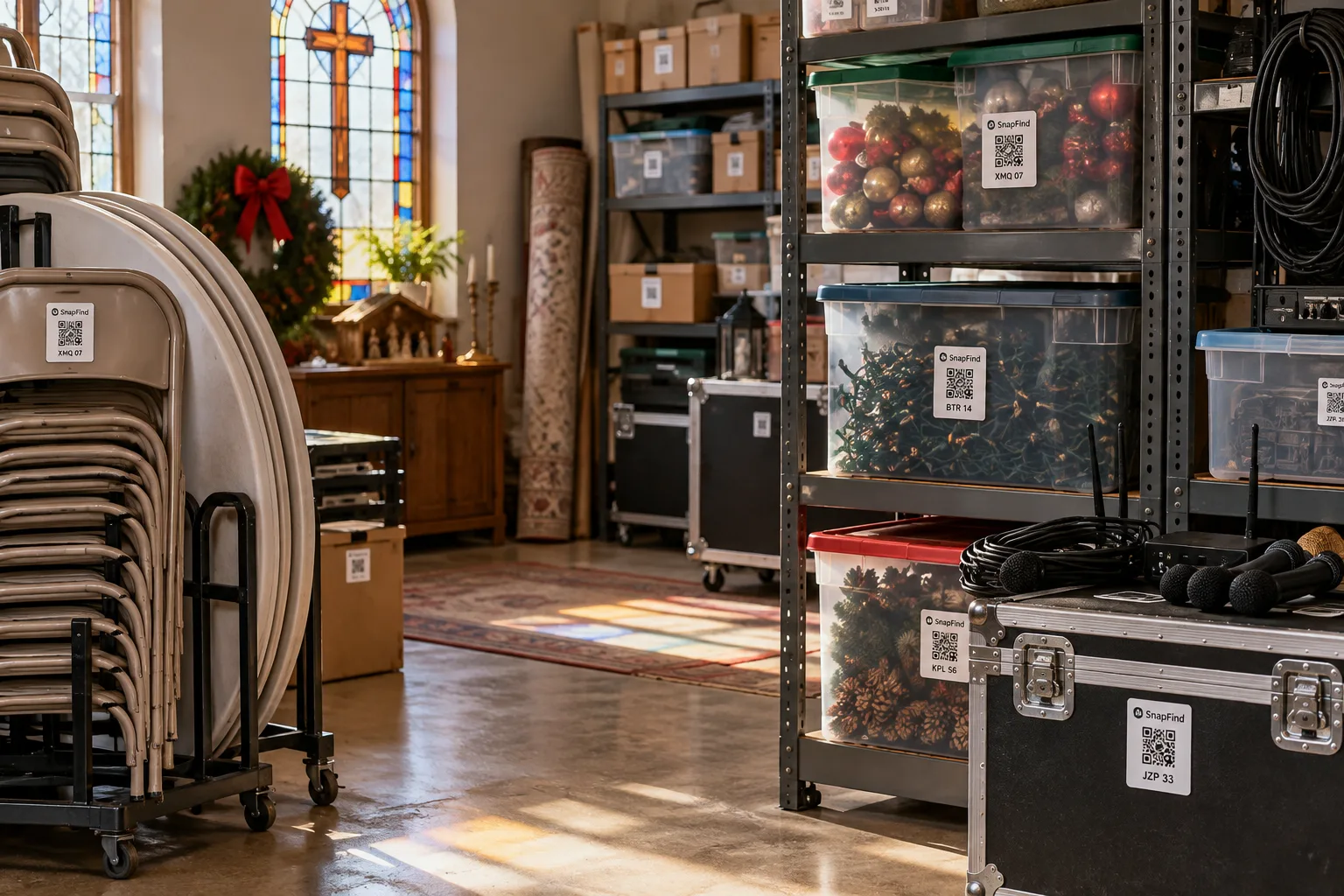
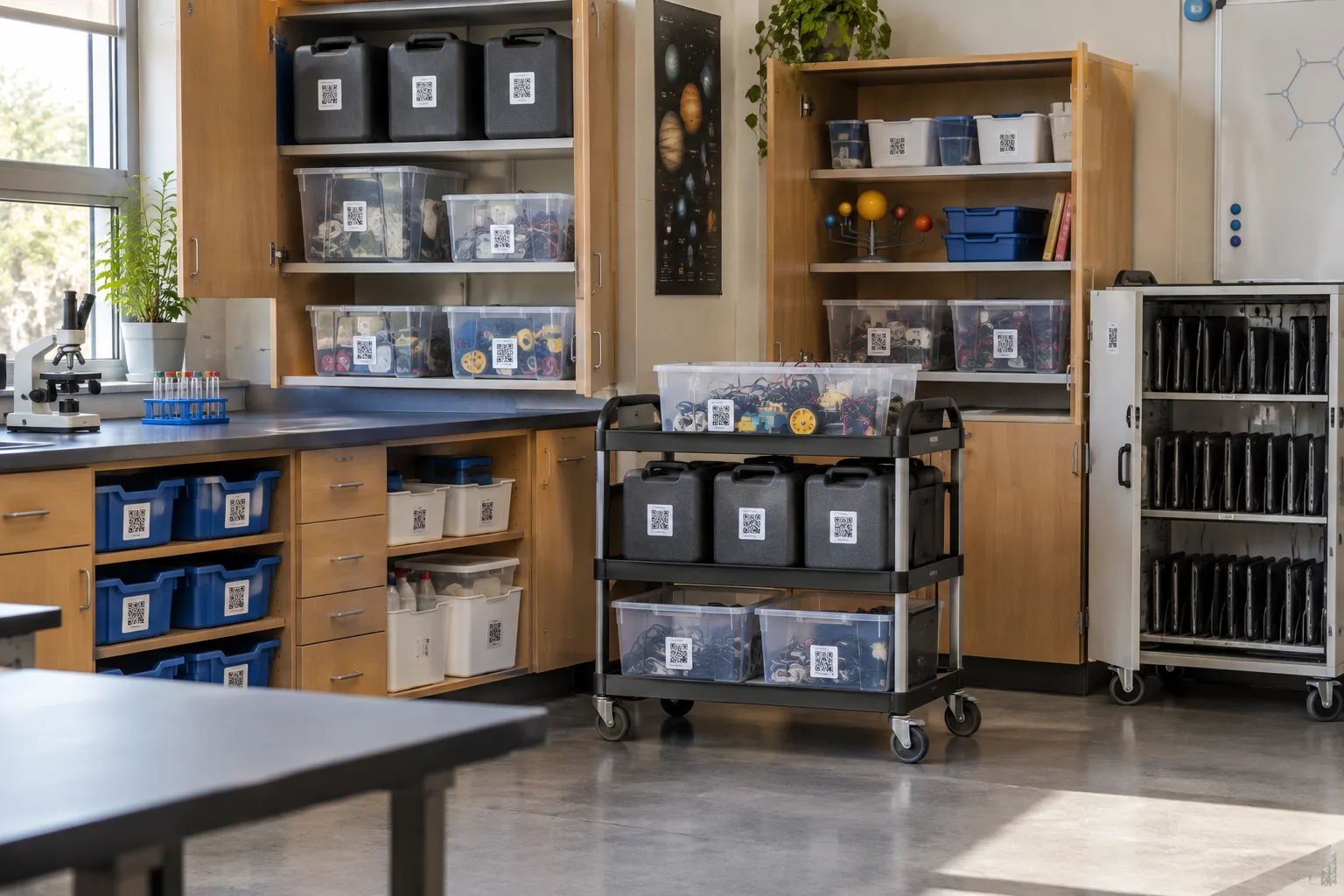
Running a team, a church or a business?
Give everyone their own login, share each storage space with only the people who use it, and see who took what out and when it is due back. No item limits, and a web dashboard for the office.

Questions
Before you download
The short version: snap photos, stick labels, search in plain English. Here's everything else people ask.
01What is SnapFind?
SnapFind is an AI-powered home inventory app that helps you organize and track everything you own. Simply take photos of your items, and the app automatically labels and indexes them so you can find anything instantly.
02How does SnapFind work?
Take a photo of items you want to track. SnapFind uses AI to automatically identify and tag each item. Store items in bins with QR codes, and search anytime using natural language like "Where are the Christmas lights?"
03Is SnapFind free to use?
SnapFind offers a free tier that lets you track items and bins. Premium features like unlimited storage, shared spaces, and advanced AI search are available with a subscription.
04What are QR code bins?
QR code bins are storage containers with SnapFind QR stickers attached. Scan the QR code to instantly see what is inside the bin without opening it. You can buy pre-printed QR stickers or print your own.
05Can I share my inventory with family members?
Yes! SnapFind supports shared spaces where you can invite family members, roommates, or team members to view and manage a common inventory together.
Stop digging through boxes.
Know what you have. Know where it is. Instantly.

